Prepared from the published DINGDA product catalog. Specifications and availability must be confirmed for your order.
1. Read the two size fields separately
Open dimensions describe the enclosure when assembled for use. Packing dimensions describe the carton for the listed configuration. Check the units and dimension order, and read the carton quantity alongside the measurements. A product photo does not establish a shipping size.
2. Compare two real catalog examples
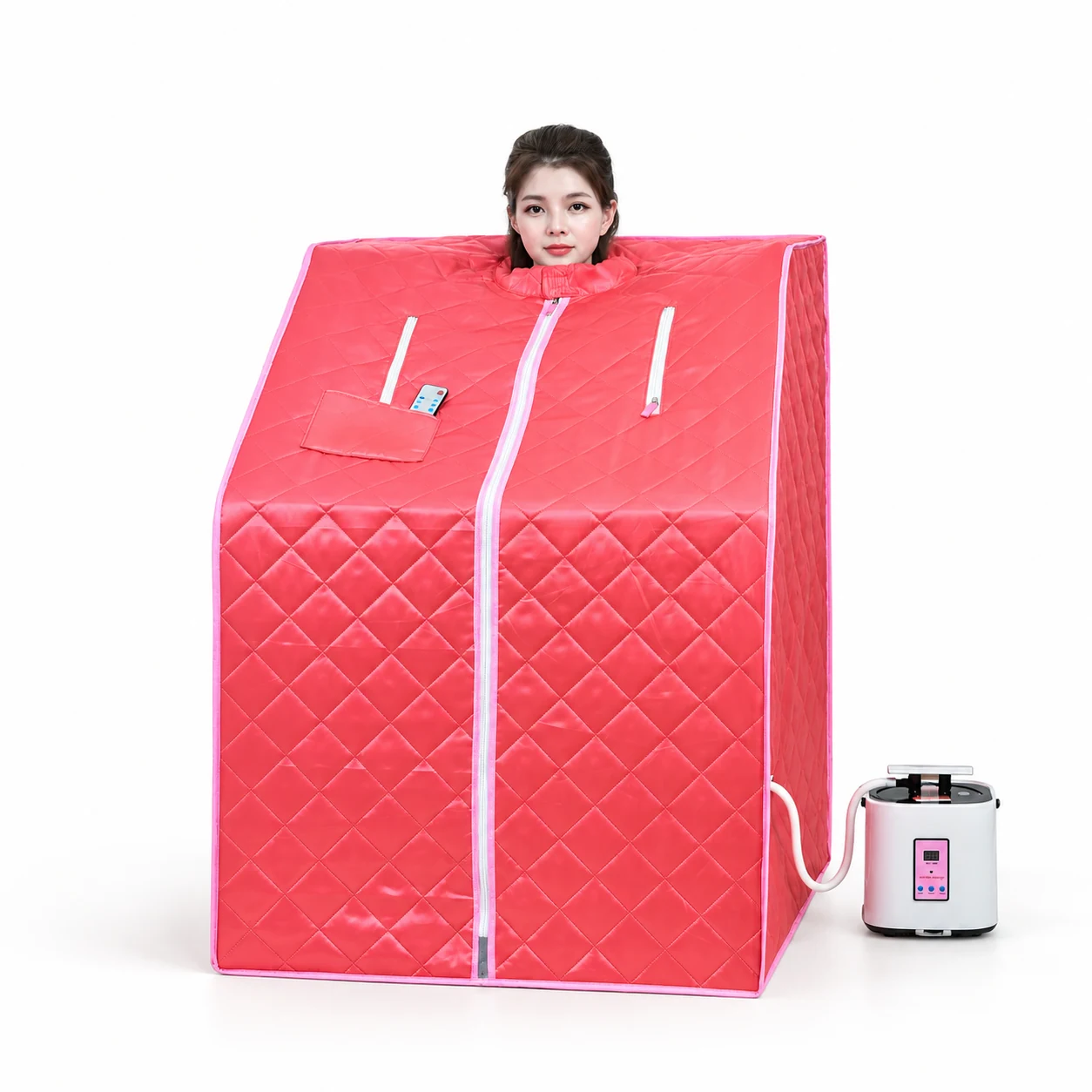
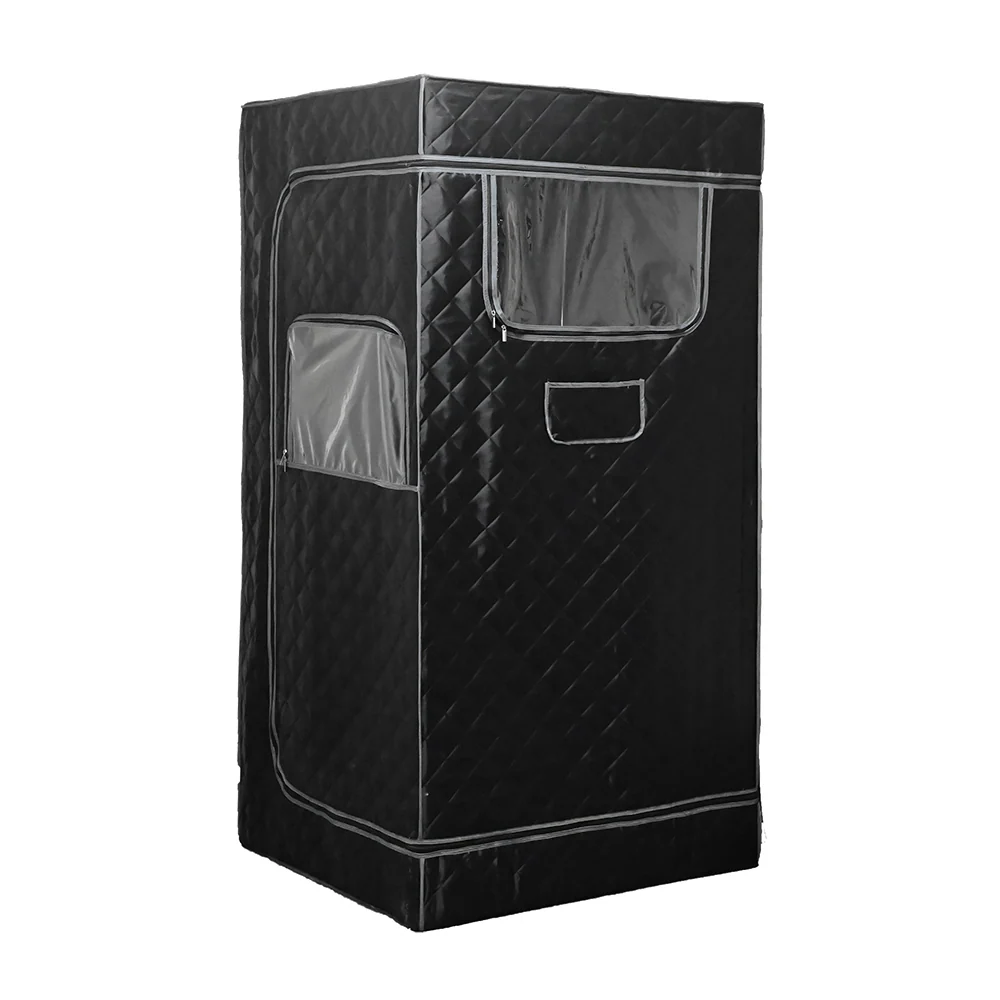
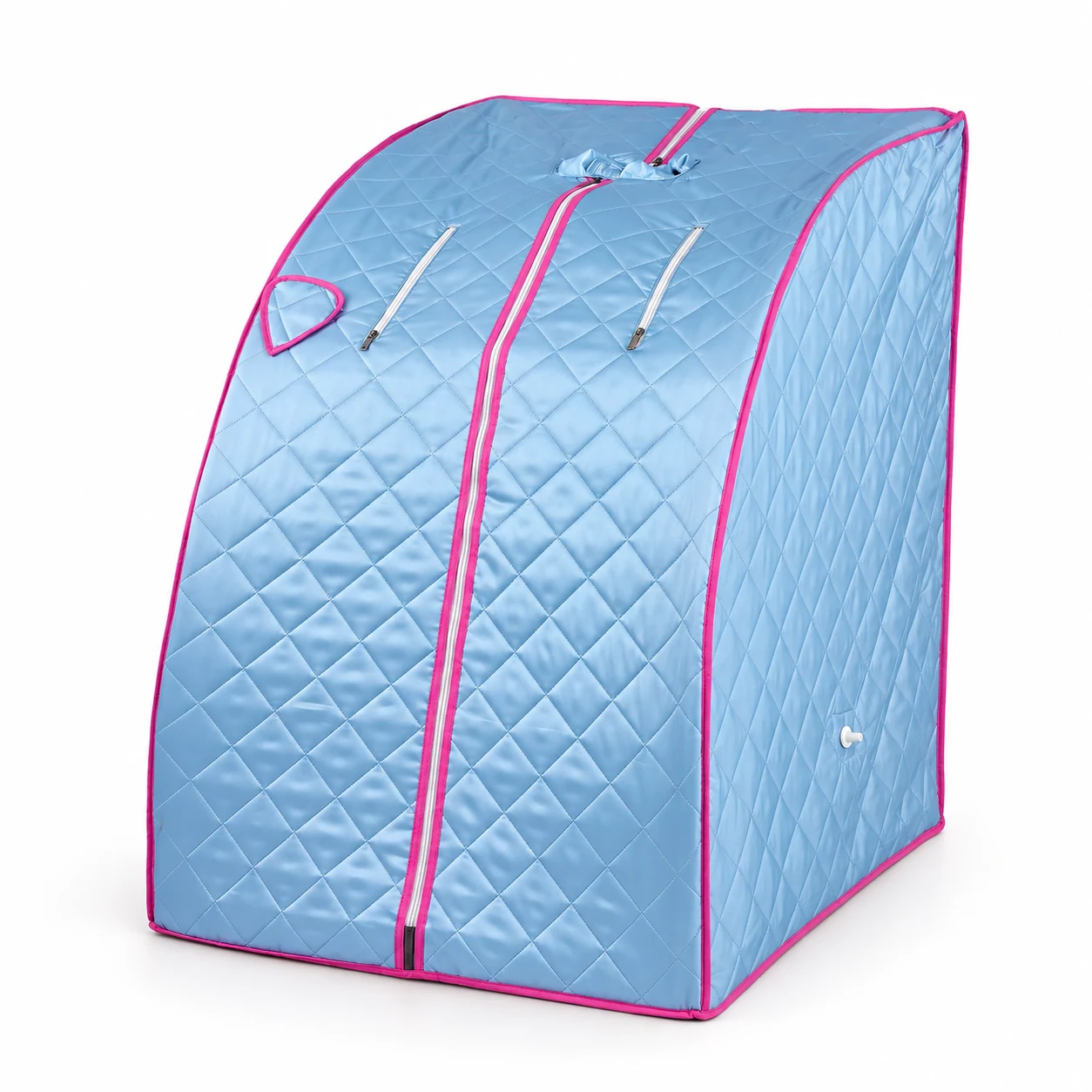
DDSS01A lists an open size of 78 × 90 × 103cm and packing dimensions of 75 × 23.5 × 32cm, with one unit per carton. Its net and gross weights are 7kg and 8kg. DDSS18 lists an open size of 90 × 90 × 180cm and a carton of 95.5 × 32 × 25cm, also one unit per carton. Its net and gross weights are 9.2kg and 11.3kg. Compare each model’s own fields rather than using its assembled height as a carton measurement.
3. Calculate carton volume with consistent units
Convert all three outer carton dimensions to metres before multiplying. For the DDSS01A catalog carton, 0.75 × 0.235 × 0.32 = 0.0564m³. This is a geometric volume calculated from catalog dimensions; it is not a freight charge, chargeable weight or a guaranteed loading quantity.
4. Keep the model version attached to the figures
Similar model names do not establish identical packing. The updated DDSS01B product page lists a carton of 81 × 24 × 35.5cm. Use that exact product link and version when comparing it with DDSS01A or another DDSS01B entry; do not copy measurements across versions.
5. Confirm final packing before a freight quotation
Send the product link, version, quantity, selected accessories and destination with your inquiry. Ask the team to confirm final outer carton dimensions, units per carton and gross weight for that configuration. Record each model separately in a mixed order, and have the freight provider quote against the confirmed packing details.